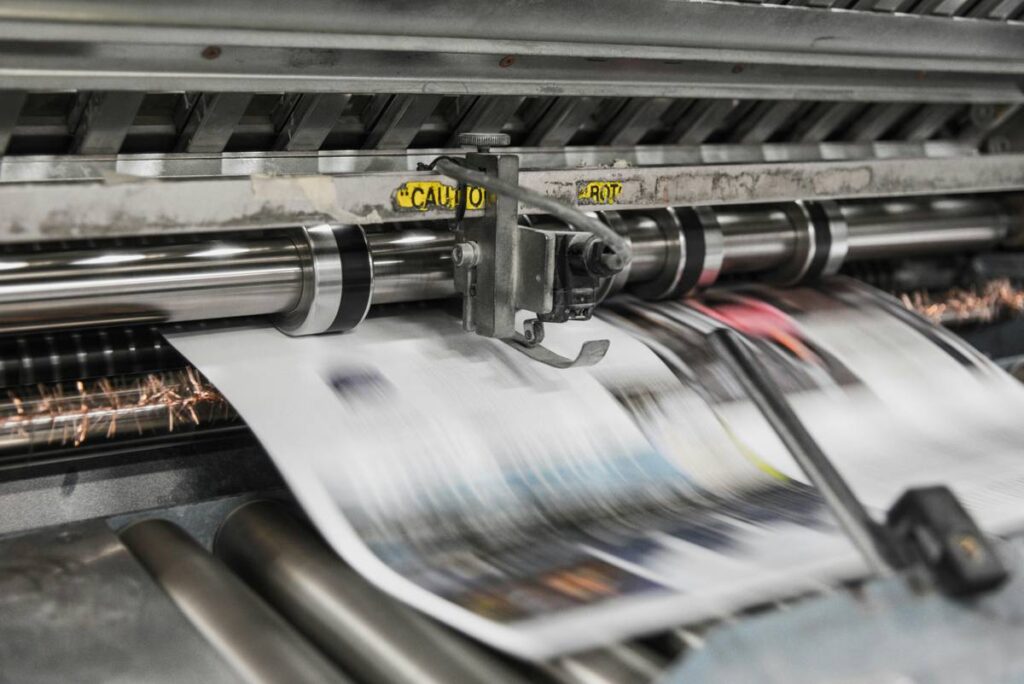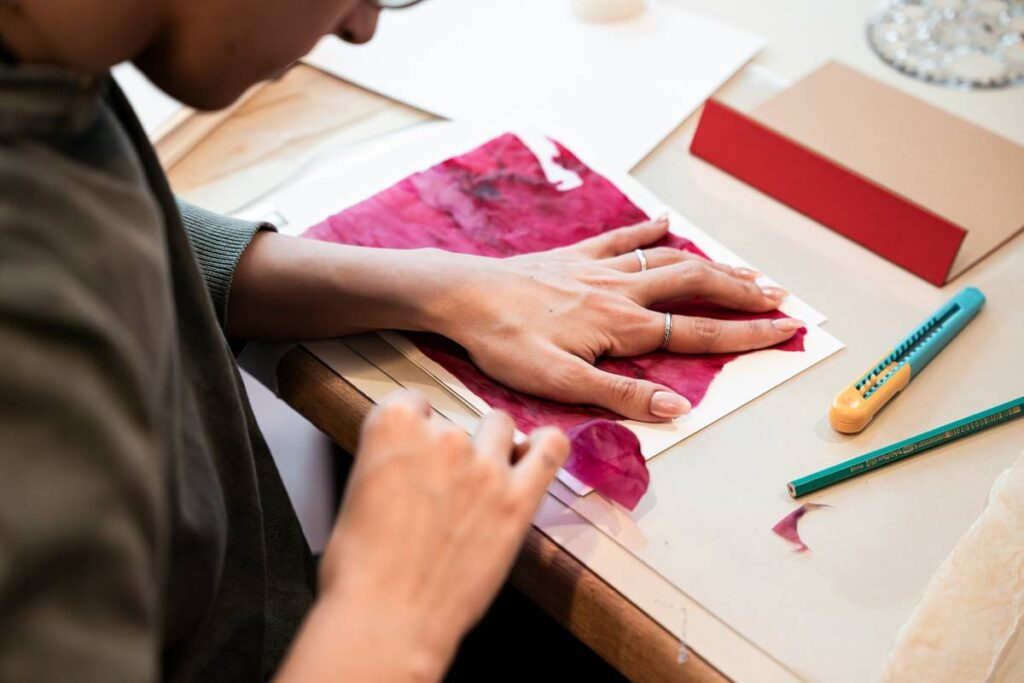
Ever uploaded a stunning digital textile design only to receive rolls of fabric with blurry repeats and off-register colors? You’re not alone. In the booming world of online education—especially in creative niches like digital fabric printing—understanding what is fabric pattern design isn’t just artistic flair; it’s technical precision wrapped in creativity. This guide cuts through the fluff, giving you actionable steps, insider mistakes to dodge, and real-world strategies that actually work in 2024’s competitive textile market.
Table of Contents
- Why Fabric Pattern Design Matters in Online Education
- Step-by-Step Guide to Creating Print-Ready Patterns
- Top Best Practices for Flawless Digital Printing
- Real Examples That Nailed (or Failed) Pattern Execution
- Frequently Asked Questions
Key Takeaways
- Fabric pattern design blends artistic vision with technical constraints like repeat types and color separations.
- Misunderstanding print resolution or bleed zones can ruin an entire production run—costing time and money.
- Digital printing demands CMYK color profiles, not RGB, even if your screen looks “perfect.”
- Always test on actual fabric swatches before full-scale production.
- Online courses should teach both design theory and prepress file prep—most don’t.
Why Fabric Pattern Design Matters in Online Education
In today’s creator economy, platforms offering courses in textile design often skip the gritty, non-glamorous details of file preparation. Students learn how to make beautiful motifs but aren’t taught how those motifs behave when tiled across 50 yards of silk or cotton poplin. The result? Frustrated designers, wasted materials, and brands losing credibility fast.
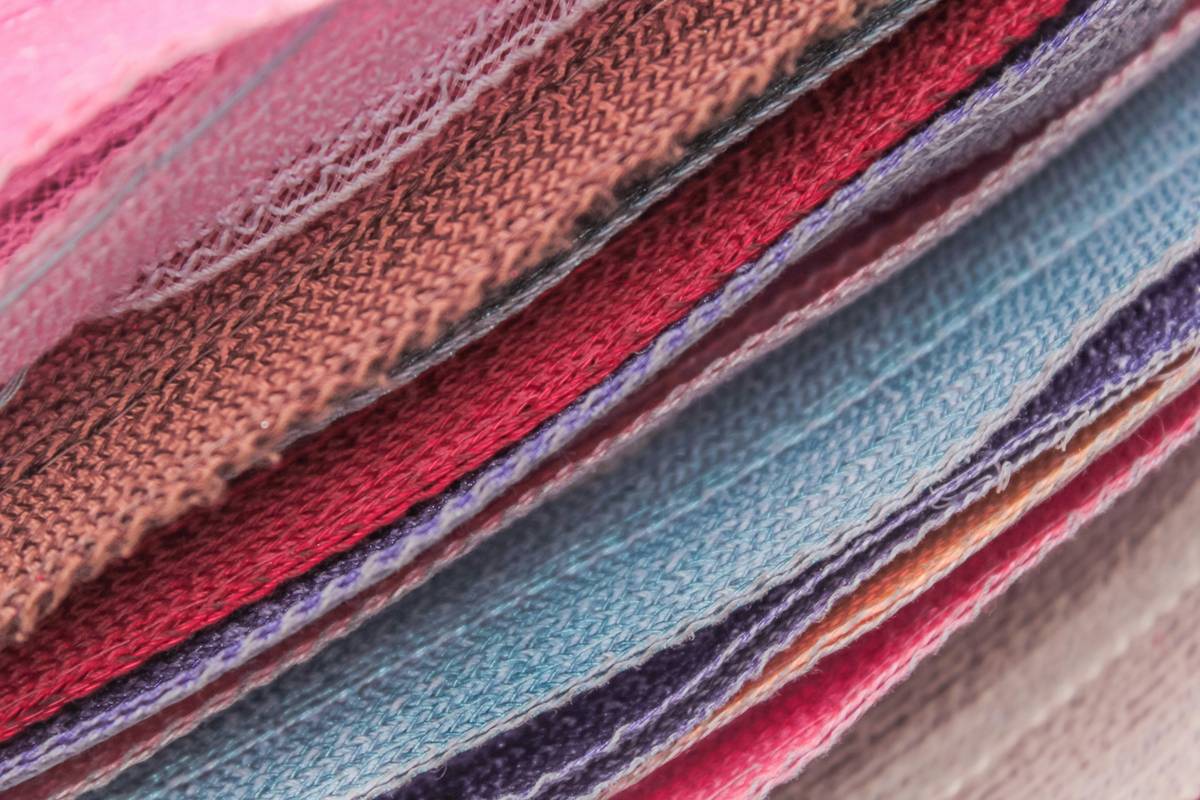
I learned this the hard way. Early in my career, I designed a lush botanical pattern for a client’s summer collection. It looked flawless on-screen—vibrant greens, crisp outlines. But because I didn’t account for the printer’s minimum 150 DPI requirement at actual scale, the final yardage came back pixelated, with leaves dissolving into muddy blobs. The client never worked with me again. That mistake cost me more than money—it cost trust. And in textile design, trust is your most valuable thread.
Step-by-Step Guide to Creating Print-Ready Patterns
1. Choose Your Repeat Type Wisely
Not all repeats are equal. Straight, half-drop, mirror, or engineered—each affects how your motif flows. For beginners, straight repeats are safest. According to the American Association of Textile Chemists and Colorists (AATCC), over 60% of digital print errors stem from incorrect repeat logic.
2. Set Up Artwork at True Scale
Design at 1:1 scale in inches or centimeters—not “screen size.” If your pattern repeat is 12” x 12”, your canvas must reflect that exact dimension.
3. Use CMYK, Not RGB
Screens use RGB; printers use CMYK. Converting too late causes unexpected color shifts. Always start in CMYK mode in Adobe Illustrator or Photoshop.
4. Include Bleed and Safe Zones
Add at least 0.5” bleed on all sides and keep critical elements 1” away from edges. Printers need room for trimming and tension adjustments.
Top Best Practices for Flawless Digital Printing
- Test on physical swatches: Colors shift dramatically between polyester and organic cotton.
- Avoid ultra-thin lines: Lines under 0.5 pt often disappear or break during printing.
- Limit your color count: Even with digital printing, complex gradients can band or dither. Simplify where possible.
- Never ignore fabric grain: Some patterns stretch visually along the warp/weft—preview accordingly.
And here’s a terrible tip I’ve heard too often: “Just upscale your JPEG in Photoshop!” Nope. Upscaling raster images creates artifacts. Always work vector-first or at native high-res.
Real Examples That Nailed (or Failed) Pattern Execution
Brand A launched a line using hand-drawn watercolor florals. They printed on two fabrics: silk charmeuse and linen-cotton blend. On silk, the colors bloomed beautifully. On linen? The ink bled, turning delicate petals into Rorschach blots. Lesson: fabric matters as much as design. They now partner with material scientists during prototyping—a move that slashed waste by 40%.
Conversely, Brand B ignored bleed zones. Their geometric pattern had key lines right at the edge. After cutting, every garment showed a white sliver where the design got trimmed off. According to a 2023 McKinsey report on sustainable fashion, such errors contribute to nearly 15% of textile waste annually.
My pet peeve? Courses that treat fabric pattern design like generic graphic design. It’s not. Gravity, drape, seam allowances, and fabric stretch change everything. Teaching it without context is like teaching baking without mentioning oven temperature.
Frequently Asked Questions
What’s the difference between surface pattern design and fabric pattern design?
Surface pattern design is broader (wallpaper, packaging), while fabric pattern design specifically addresses textile constraints like stretch, drape, and print registration.
Do I need special software for fabric pattern design?
Adobe Illustrator is industry standard, but tools like NedGraphics or Kaledo are used in professional mills. For beginners, Illustrator + repeat plugins suffice.
How do I ensure color accuracy?
Always request a physical proof from your printer. Calibrate your monitor, use Pantone+ Textile guides, and convert files to CMYK early.
Can I use photos in fabric patterns?
Yes, but they must be high-resolution (300 DPI at print size) and properly color-managed. Avoid heavy shadows—they often flatten during printing.
Where can I learn reliable techniques online?
Look for courses that include prepress modules and printer collaboration. We detail our vetting process in our contact section for educators seeking partnerships.
Is “what is fabric pattern design” just about repeating motifs?
No—it includes layout strategy, color workflow, file formatting, and understanding how ink interacts with fiber. It’s technical artistry.
So, what is fabric pattern design, really? It’s where vision meets reality—one meticulously aligned repeat at a time. Ready to turn your digital sketches into sellable yardage? Reach out to our team—we’ve helped over 200 creators bridge the gap between screen and seam. And remember: your pattern isn’t done until it’s printed right. Or as I say, “If it doesn’t drape true, it’s just desktop decor.”