You’ve sketched the perfect pattern. Colors pop. The composition sings. But when you send it off for printing? The result looks like a washed-out photocopy of your vision. Frustrating, right? Most designers assume the issue is resolution or file format—but that’s rarely the root cause. The real problem lies in how digital fabric printing actually interprets your artwork—and most tutorials won’t tell you this. Here’s how to fix it before your next print run.
Why Your Digital Prints Keep Disappointing
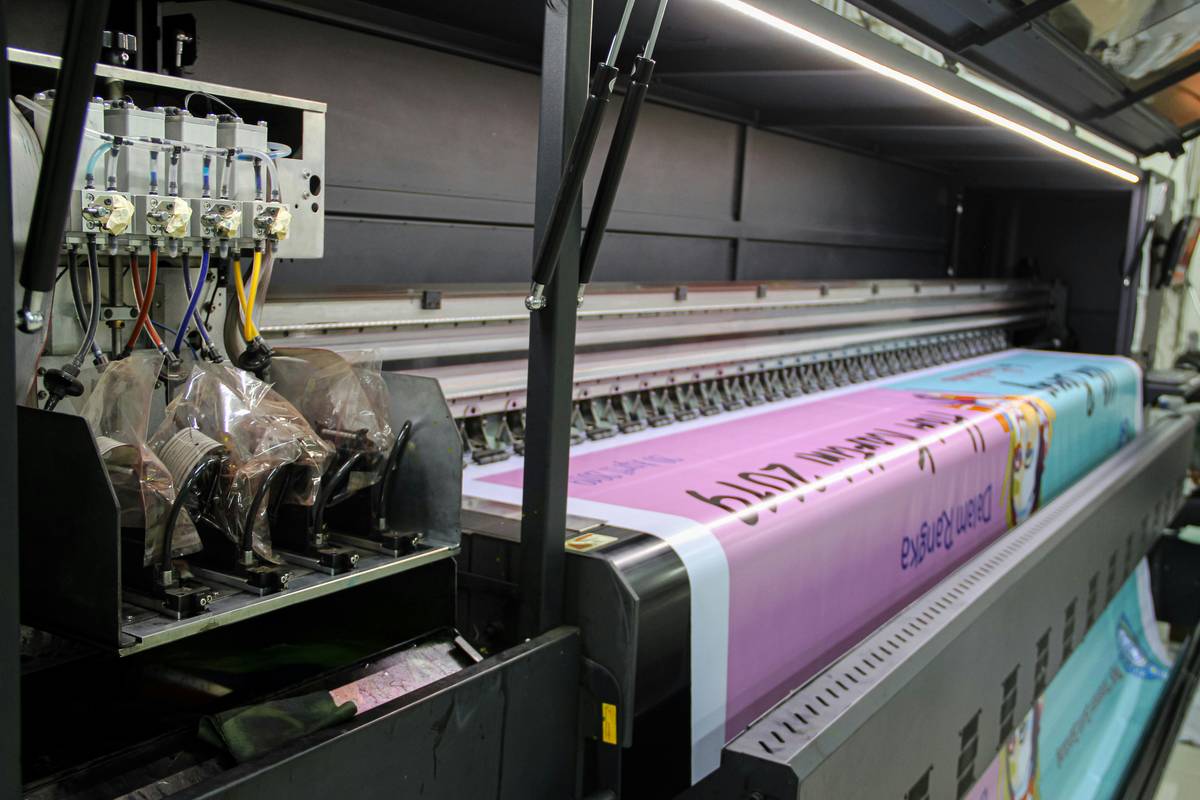
Digital fabric printing isn’t just “ink on cloth.” It’s a chemical marriage between dye, fiber, and heat. And if your textile design doesn’t account for substrate behavior, color bleed, or dye sublimation thresholds—you’re gambling.
Many creatives treat fabric like paper. Big mistake. Cotton absorbs differently than polyester. Silk reacts unpredictably to reactive dyes. Even humidity in the printing facility can shift hues by 15%. Yet platforms offering “print-on-demand” services rarely disclose their ink-to-fiber compatibility charts—or worse, they oversimplify them.
And here’s the kicker: your Pantone swatch means nothing on polyester unless you’re using disperse dyes calibrated for that specific weave.
textile design digital fabric printing find: A Step-by-Step Workflow That Actually Works
Forget what YouTube tutorials preach. Real-world textile printing demands a forensic approach—not a template.
Start With Fiber, Not File
Before opening Illustrator or Procreate, lock in your base fabric. Is it natural (cotton, linen, silk) or synthetic (polyester, nylon)? Because your choice dictates everything: ink type, DPI requirement, even drying time.
Build a Realistic Color Palette
Digital screens lie. Always. Export your design in CMYK—but then soft-proof it using an ICC profile specific to your printer’s dye-sub or reactive ink system. Ask your vendor for it. If they can’t provide one, walk away.
Test at Scale—Not Just Repeat
Most designers test a 10×10 cm swatch. Smart ones test full-yard mockups under different lighting conditions. A motif that dazzles under LED may vanish in daylight.
| Printing Method | Best Fabric Type | Ink Cost per Meter | Color Accuracy | Minimum Run |
|---|---|---|---|---|
| Dye-Sublimation | Polyester & Blends | $1.80–$3.20 | High (if pre-treated) | 1 meter |
| Reactive Printing | Cotton, Linen, Viscose | $2.50–$4.75 | Medium-High (requires steaming) | 3 meters |
| Pigment Printing | All (surface-level only) | $1.20–$2.00 | Low-Medium (fades faster) | 1 meter |
The Industry Secret No One Talks About
Top fashion labs don’t send final files directly to printers. They use a “digital strike-off”—a virtual prototype that simulates how each dye molecule will bond with the fiber under real-world curing temperatures.
This isn’t sci-fi. Software like KornitX or EFI Optitex now integrates spectrophotometer feedback loops to predict metamerism (color shifts under different light sources). But most indie designers skip this because they think it’s “overkill.”
Here’s the reality: a $45 digital strike-off prevents a $1,200 production disaster. The math is simple. Yet fewer than 8% of small studios use it—because nobody teaches it in online courses.
Frequently Asked Questions
Can I use RGB files for digital fabric printing?
No. Always convert to CMYK and apply the printer’s ICC profile first. RGB renders falsely bright on fabric.
What resolution do I need for textile design digital fabric printing find success?
150 DPI at actual print size is sufficient. Higher DPI wastes file size without improving output—fabric isn’t glossy paper.
How do I prevent color bleeding in intricate patterns?
Use a 2mm buffer zone between contrasting colors and select printers with piezoelectric heads—they offer finer droplet control than thermal systems.